
Inventory photos for insurance claims after theft, fire, or loss
Import or capture what you own. Organized Inventory uses AI to name items, judge condition, and find replacement costs — then you export a priced list for your insurer.
The product used to be free. Going forward it is paid, and the first 10 pictures stay free.
Built for the claim you hope you never need
After a break-in, fire, flood, or other loss, insurers usually want a room-by-room list with photos, descriptions, condition, and values. Organized Inventory turns the pictures you already have — plus anything you still can document — into a market-priced inventory you can submit with your claim.
Import or capture photos
Upload existing pictures or shoot new ones. Use what you had before the loss, plus anything you can still document.
AI names and prices items
AI identifies products, estimates condition, and pulls comparable prices so you are not guessing from memory.
Export for your insurer
Review the list in the app, then export CSV or Excel to include with your insurance claim package.
Useful before a loss, too
The same workflow works for estates, moves, and everyday home records — not only after a claim.
How it works
- Add photos — import a batch from your phone or computer, or capture as you go.
- Analyze — AI names items, estimates condition, and finds current market costs.
- Review and export — tidy the list, then download a priced inventory for your insurance company.
See the app
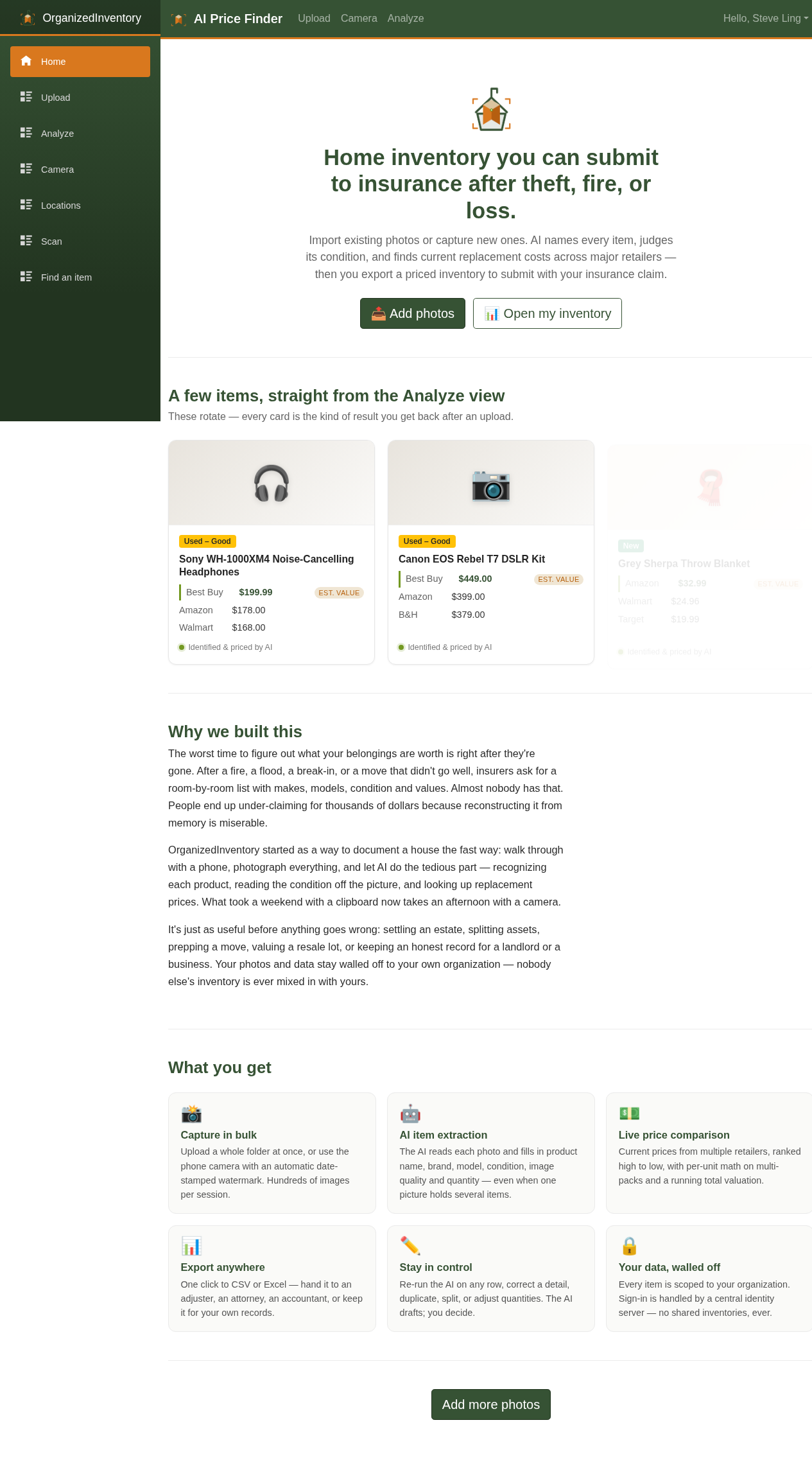
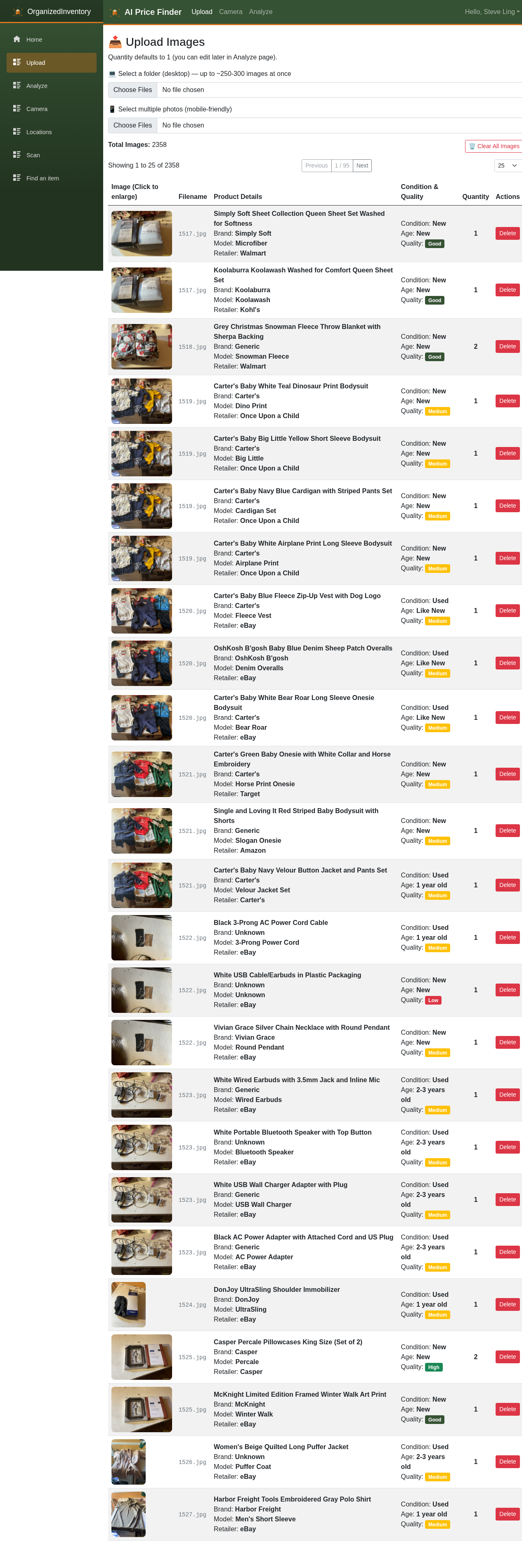
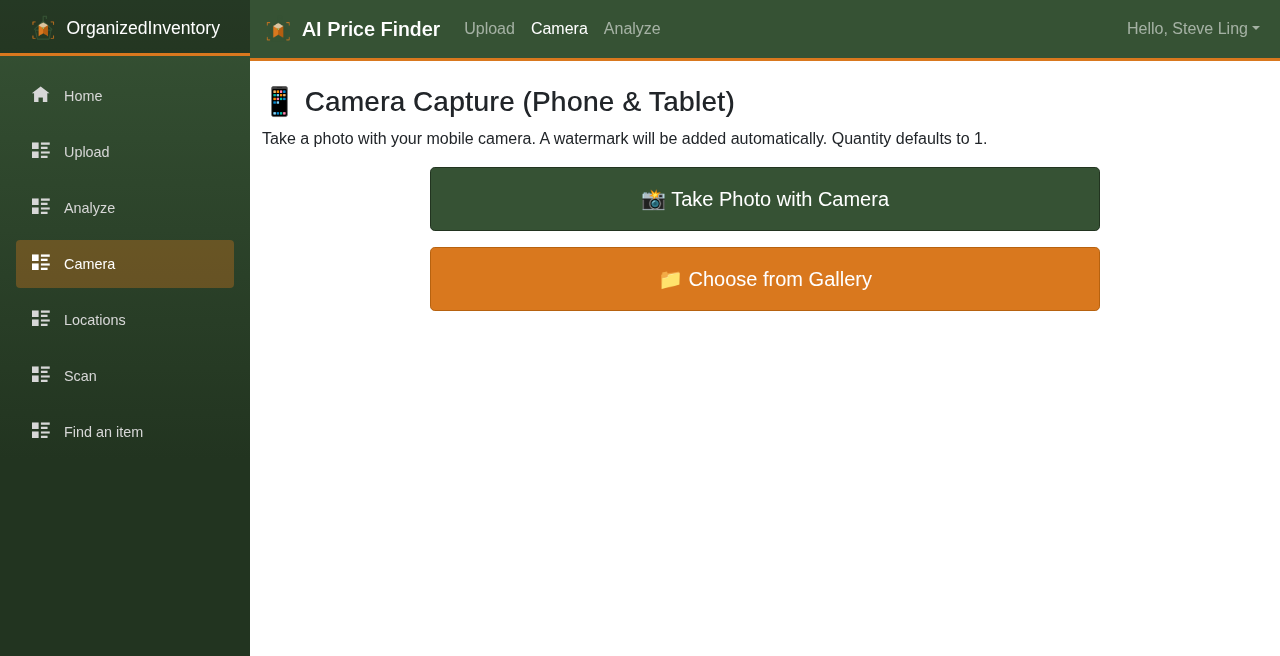
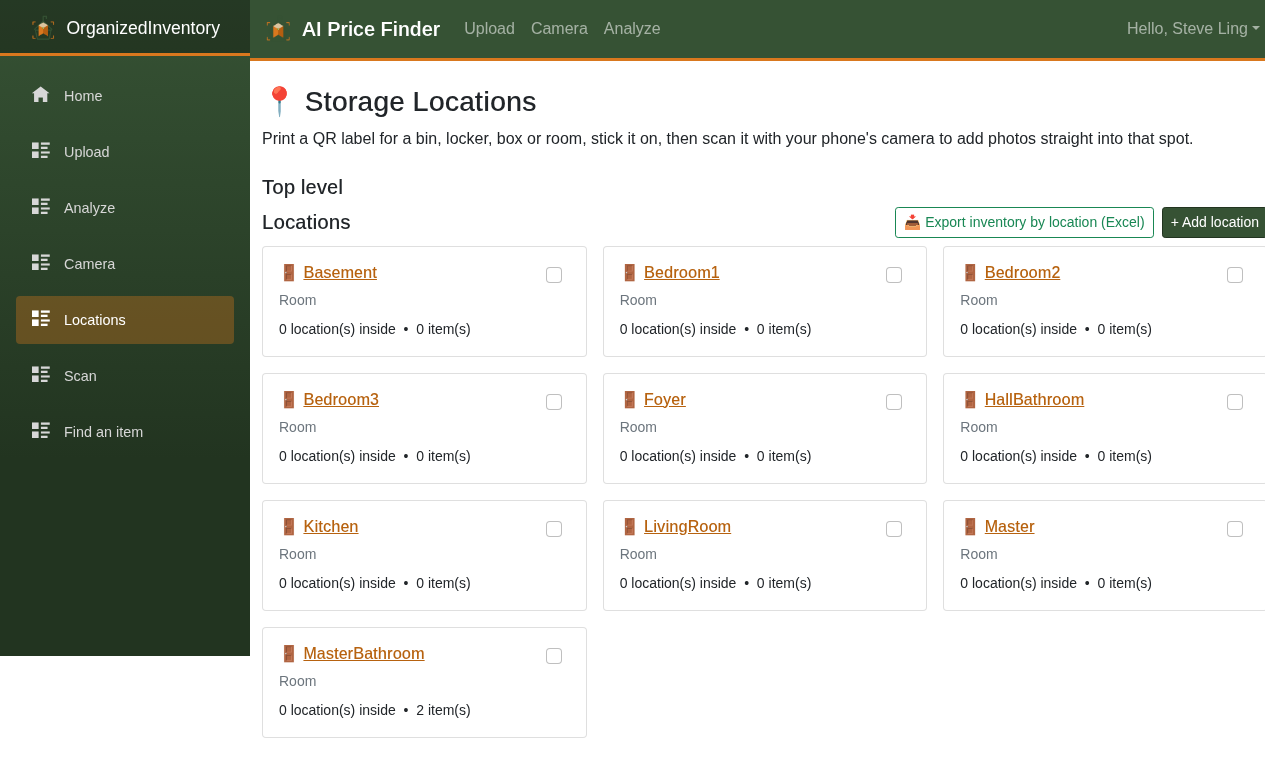
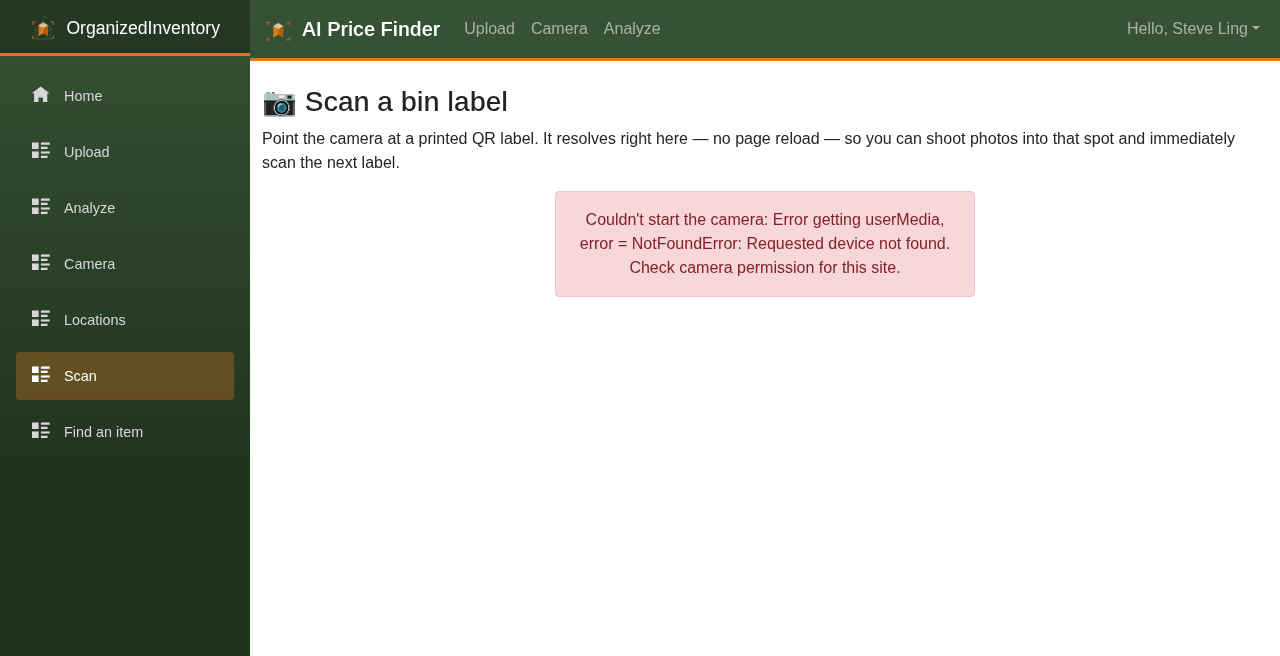
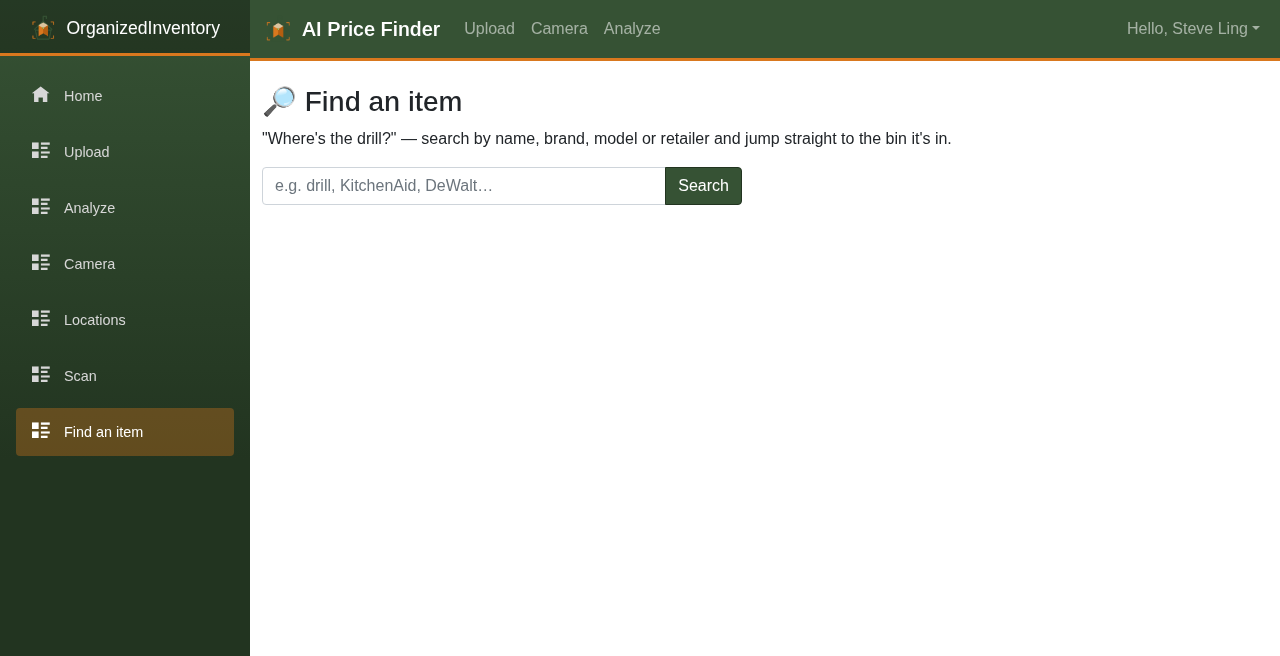
A quick look at Organized Inventory in the browser — upload photos, review AI-priced items, export for your claim.
Screens from the web app at app.organizedinventory.com — photo inventory with AI naming and replacement costs.

Who it helps
After theft or fire
Rebuild a photo-backed inventory when you need to show what was lost.
Homeowners and renters
Document belongings for homeowners or renters insurance before you need a claim.
Estates and moves
Keep a defensible list of personal property with replacement values.
Home inventory you can attach to an insurance claim
Organized Inventory is not an insurance company and is not affiliated with any carrier. It helps you assemble a photo-backed, priced personal-property list (CSV or Excel) to include when you file a homeowners or renters claim after theft, fire, flood, or other loss.
People commonly prepare that kind of documentation for claims with carriers such as State Farm, Allstate, USAA, Farmers, Liberty Mutual, Nationwide, Travelers, American Family, Progressive, Erie Insurance, Chubb, Amica, The Hartford, and Auto-Owners — as well as other homeowners and renters insurers. Always follow your policy and your adjuster’s instructions.
Theft and burglary
Rebuild a room-by-room list with photos, descriptions, condition, and replacement estimates.
Fire and smoke
Document what you still have pictures of, then export a priced inventory for the claim file.
Flood and water
Same workflow for personal property that needs values attached to a loss notice.
Home inventory FAQ
What is a home inventory for insurance?
A home inventory is a list of personal property — often with photos, descriptions, condition, and values — that insurers may request after theft, fire, or another loss. Organized Inventory helps you build that list from photos and export it.
Does this work for State Farm, Allstate, USAA, and other carriers?
You can export a priced, photo-backed inventory and attach it to a claim with most homeowners or renters insurers, including State Farm, Allstate, USAA, Farmers, Liberty Mutual, Nationwide, and others. We do not file the claim for you and we are not a partner of those companies.
Is this only useful after a loss?
No. The same photo inventory is useful before a claim — for homeowners insurance, renters insurance, estates, and moves — so you are not reconstructing everything from memory.
Ready to build your inventory?
Start with the photos you have. Organized Inventory helps turn them into a priced list you can submit to insurance.
The product used to be free. Going forward it is paid, and the first 10 pictures stay free.